
Rivio in Slack
AI procurement intelligence, right where your team works.
Sheldon is Rivio's AI procurement agent. DM Sheldon or @mention it in any channel to get pricing benchmarks, vendor research, negotiation guidance, and contract analysis; all without leaving Slack.

A Rivio account is required for full functionality. Request a demo or contact support.
Equipped with market intelligence and automation
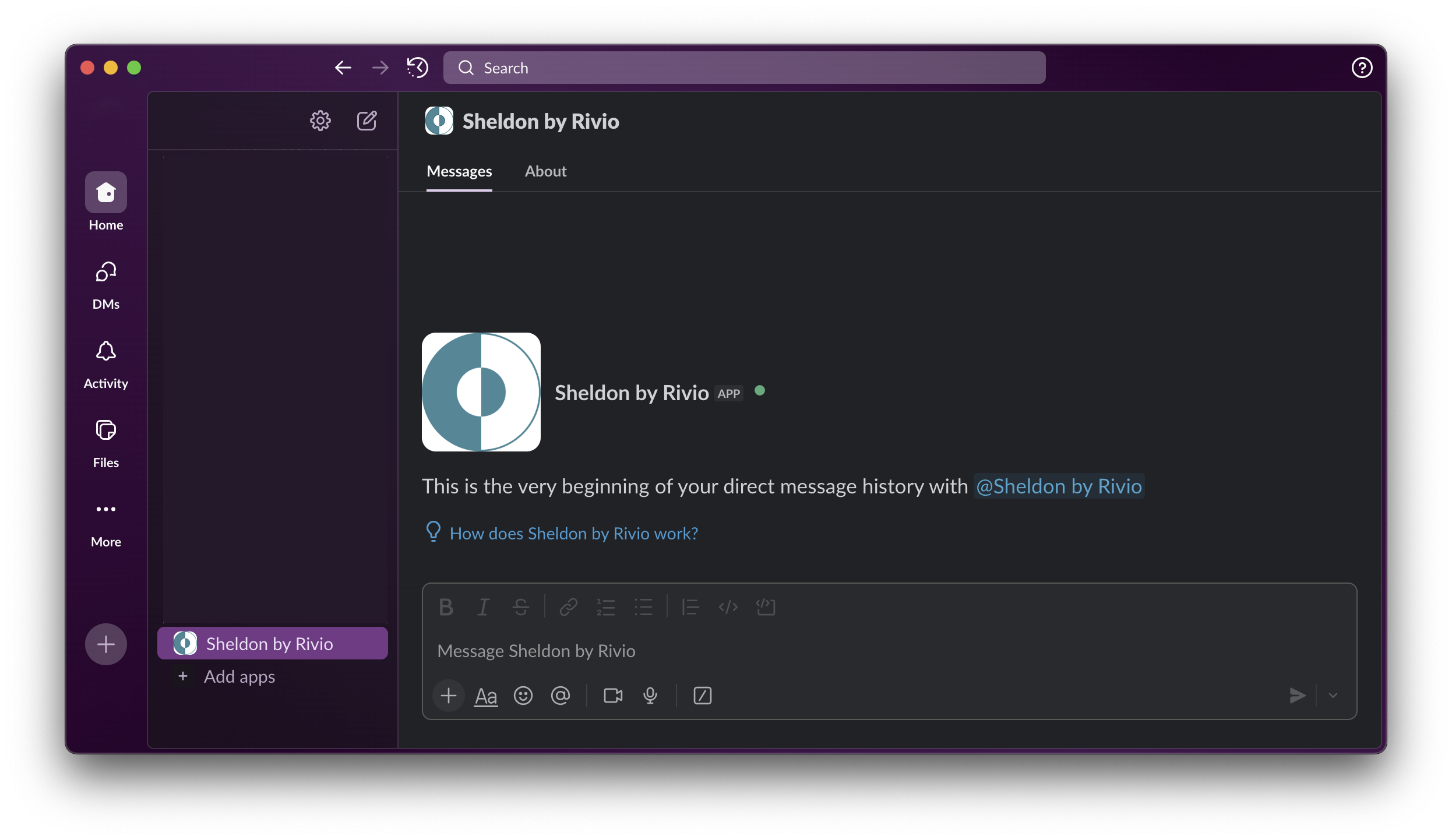
How Sheldon works in Slack
Sheldon responds to direct messages and @mentions. Ask a question in plain language and Sheldon replies in the conversation. In channels, Sheldon responds in a thread to keep things organized.
Direct messages
Open a DM with Sheldon and ask anything procurement-related. Sheldon maintains conversation context within the thread, so you can ask follow-up questions naturally.
Channel @mentions
Type @Sheldon in any channel to get procurement insights visible to the whole team. Sheldon replies in a thread so the channel stays clean.
What you can ask Sheldon
These capabilities work immediately after installation. Try any of the example questions below by sending them as a DM to Sheldon.
Ask about any vendor or product
DM Sheldon or @mention in a channel
Ask Sheldon about pricing, contract terms, or vendor reputation for any software product. Sheldon searches the web and Rivio's proprietary benchmark database to respond with market intelligence.
Try: "What's a fair price for 500 seats of Salesforce Enterprise?"
Get negotiation guidance
DM Sheldon with a vendor name
Sheldon surfaces risks, red flags, and negotiation levers for upcoming renewals or new purchases. Ask about specific contract clauses, typical discount ranges, or what to push back on.
Try: "What should I watch out for in a Datadog contract renewal?"
Draft vendor emails
Ask Sheldon to write an email
Sheldon composes professional vendor outreach, pricing review requests, or renewal negotiation emails that you can review and send directly from Slack.
Try: "Draft an email to our AWS account manager requesting a pricing review"
More with a Rivio account
Rivio is a procurement platform for mid-market tech companies. When your organization connects its vendor, contract, and spend data, Sheldon unlocks additional capabilities:
Portfolio analysis
Ask Sheldon about your active contracts, upcoming renewals, and spend across your entire vendor portfolio.
Contract review
Upload contracts and Sheldon reads them directly; extracting terms, pricing, and flagging risks.
Renewal tracking
Sheldon monitors contract expiration dates and proactively surfaces renewals that need attention.
Sourcing workflows
Kick off vendor evaluations and RFQ processes directly from Slack with Sheldon managing the workflow.
To connect your organization's data, request a demo or contact support@rivio.ai.
Getting started
Install the app
Click the "Add to Slack" button above to install Rivio into your Slack workspace. A workspace admin may need to approve the installation.
DM Sheldon
Find Sheldon in your Slack sidebar and send a direct message. Try: "What's a fair price for 500 seats of Salesforce Enterprise?"
@mention in channels
Type @Sheldon in any channel to get procurement insights visible to the whole team. Sheldon replies in a thread.
AI Disclosure
Sheldon is powered by large language models (LLMs) and may produce responses that are inaccurate, incomplete, or outdated. Procurement insights, contract analyses, benchmark data, and negotiation recommendations generated by Sheldon should be independently verified and reviewed by qualified professionals before being relied upon for business decisions. Rivio does not guarantee the accuracy, completeness, or reliability of AI-generated outputs.
Support & Uninstalling
For help with installation, configuration, or any issues with the Rivio Slack app, email support@rivio.ai. We respond within one business day.
To uninstall, go to your Slack workspace settings, navigate to "Manage apps", find Rivio, and click "Remove App".